

How to sign up for Pure VoIP via afrihost.com
VoIP allows you to make calls using the internet. The quickest and easiest way to get connected is to sign up for a new VoIP number. During the signup process, you will be assigned a new 087 VoIP number. Calls between Pure VoIP numbers are free.
- Navigate to Afrihost.com
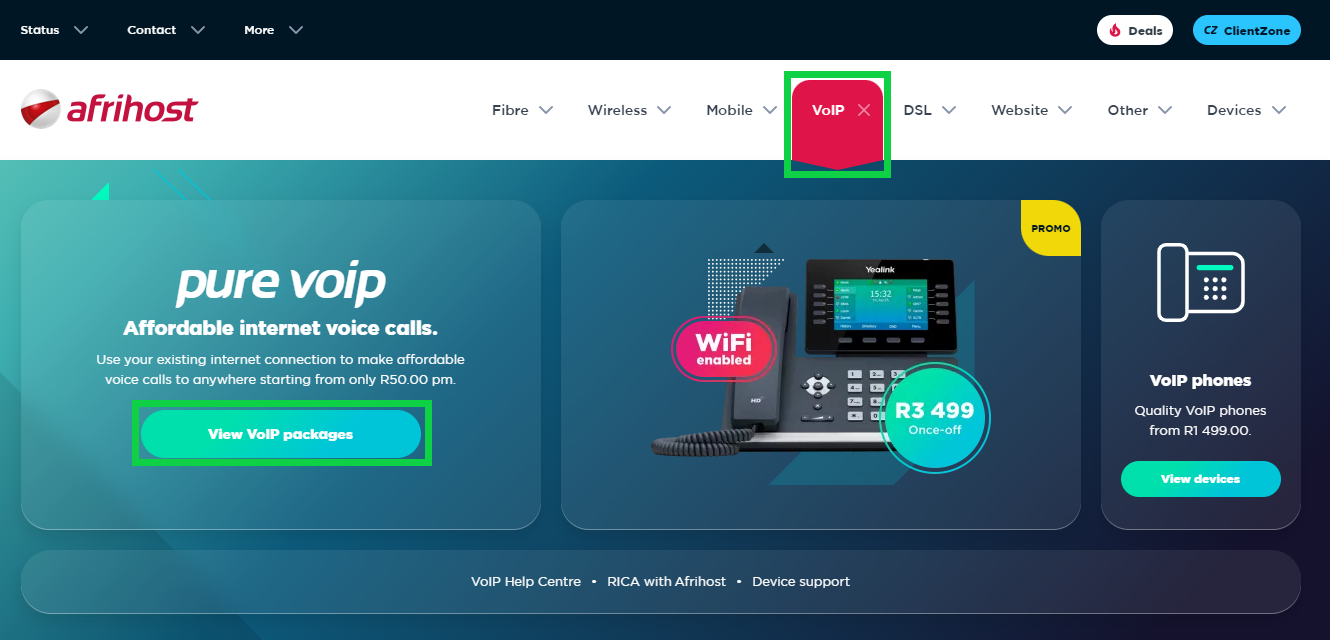
- Select ‘VoIP’ from the menu at the top.
- Select ‘View VoIP packages’.
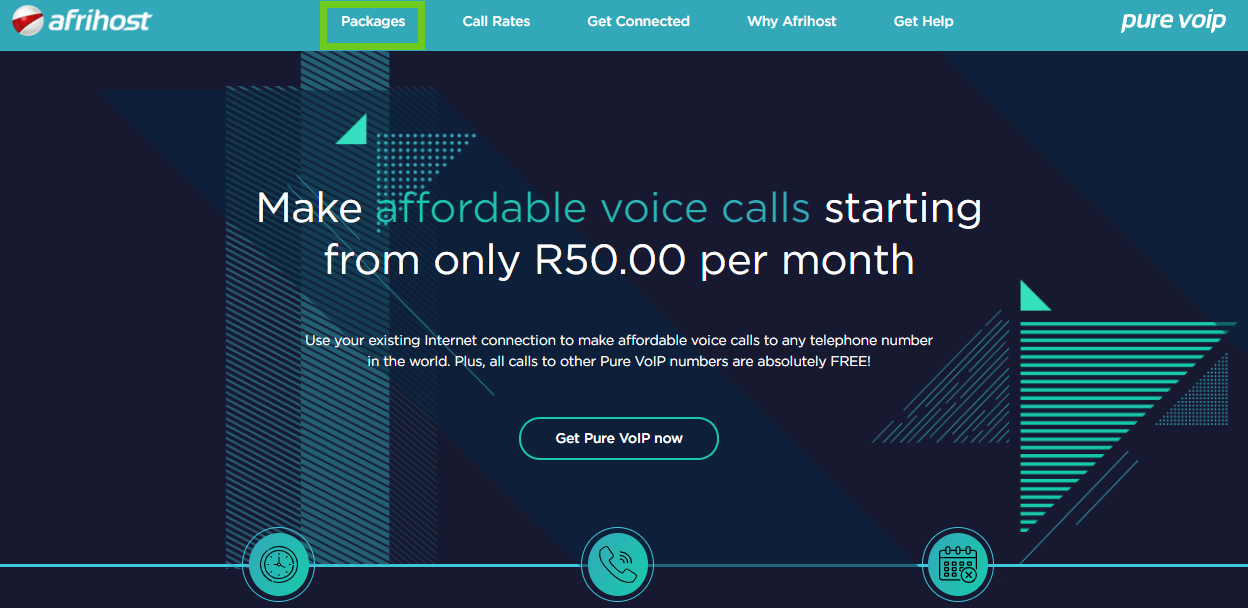
- To view the VoIP packages available, select ‘Packages’ from the top menu or scroll down to the package section.
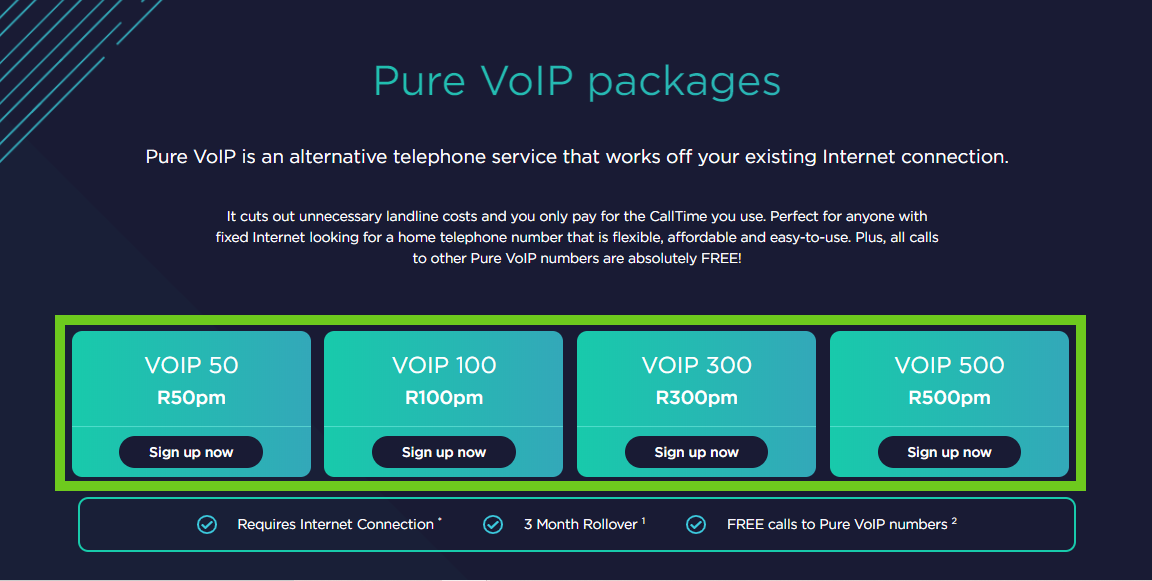
- Decide on the package you want and click ‘Sign up now’.
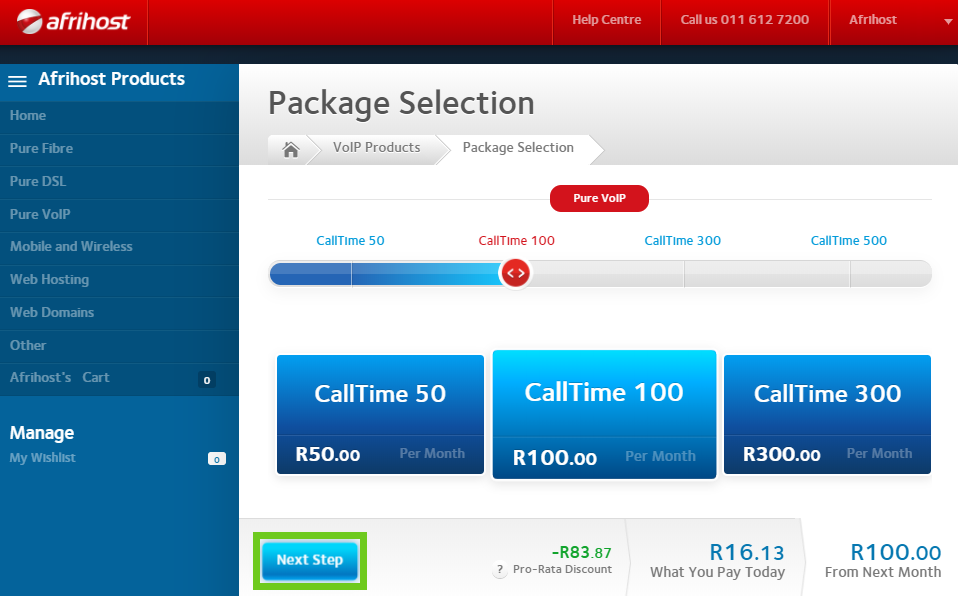
- You will be redirected to the Afrihost Order form.
- Confirm your package selection and select ‘Next Step’.
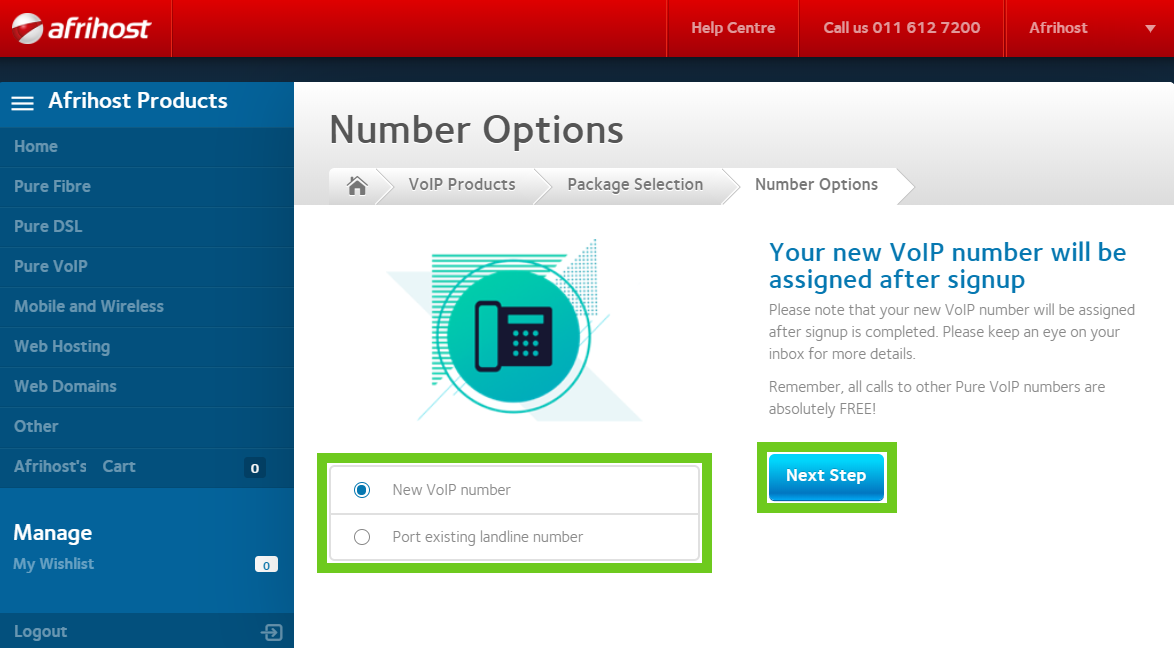
- Select to sign up for a ‘New VoIP number’ or to ‘Port existing landline number’.
- Select ‘Next Step’.
If you want to port a landline with an active DSL service, your DSL services will have to be cancelled if you want to port a landline number with an active DSL service on it. This means you will no longer have DSL internet on that landline number. We suggest you get a new VoIP number and keep your DSL services.
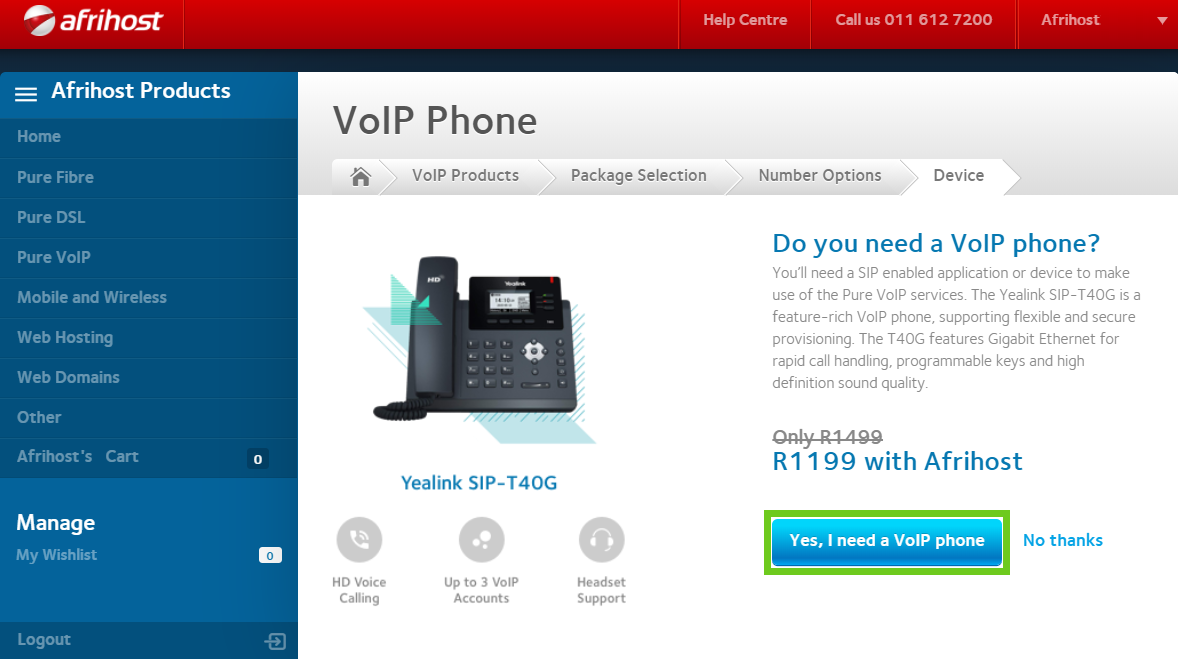
- If you need a VoIP device select ‘Yes, I need a VoIP phone’ or ‘No thanks’ if you have your own or will use an app.
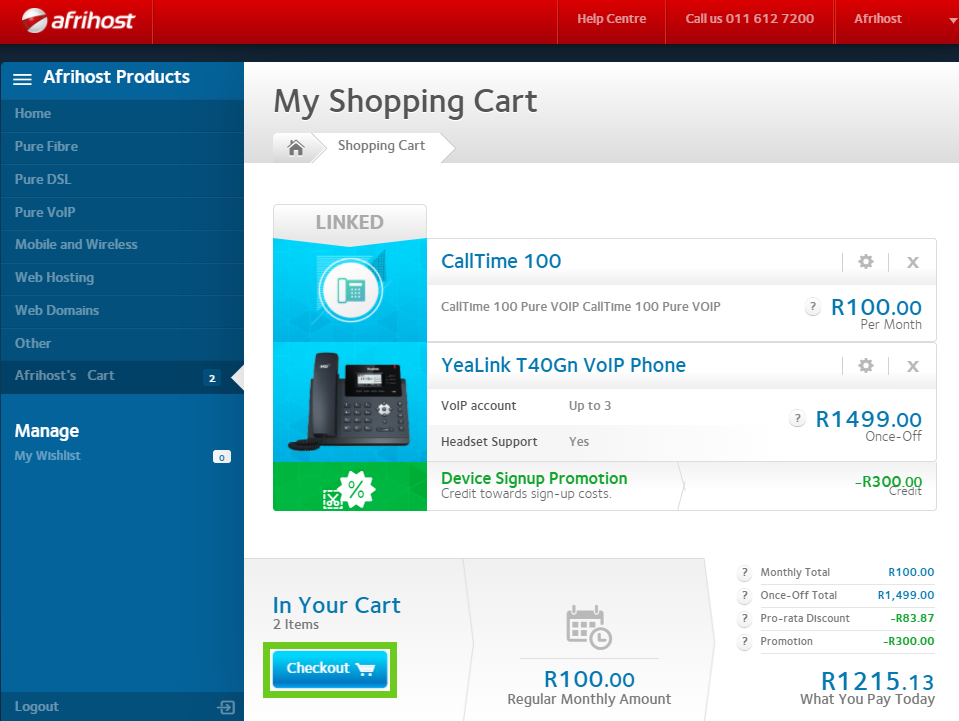
- You will be taken to your shopping cart. Confirm the items in your cart are correct and select ‘Checkout’.
- If you have ordered a device, please select a delivery option and follow the prompts.

- Select your prefered payment method. Select an existing account or add new billing information.

- Your order is now complete.

- See your emails for your new VoIP access details.
If you would like to know more about Pure VoIP read our Help Centre article for more insight.
If you would like to know How to setup Yealink SIP-T40G VoIP phone, please read our Help Centre article for further assistance.