

Website hosting
How to access Webmail in CWP
Webmail allows you to access your domain email service only, using a browser from any device.
- Log into ClientZone.
- Select the ‘Hosting’ tab.
- Under the Shared Hosting section, select your domain.
- Click on ‘Website Manager’.
- Select the ‘Log into Website Manager’ button.
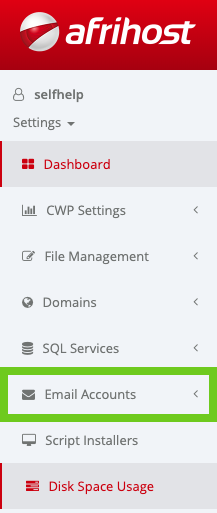
- Select ‘Email Accounts’ in the side menu.
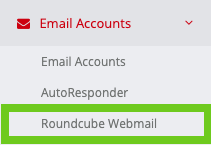
- Select ‘Roundcube Webmail’.
- A Roundcube window will appear, login with your email address and password.
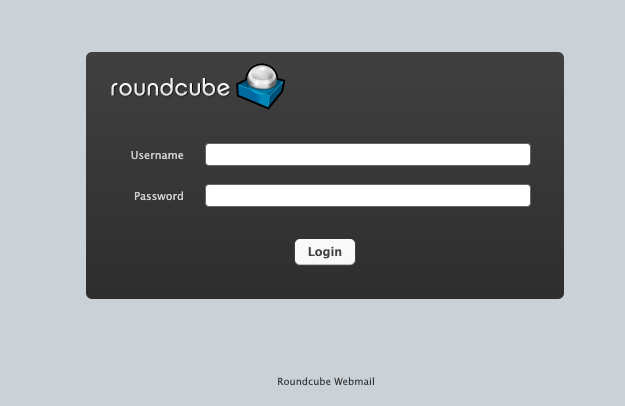
You can also access webmail directly via your browser using the following URL: webmail.yourdomainname
Eg: webmail.afrihostanswers.com
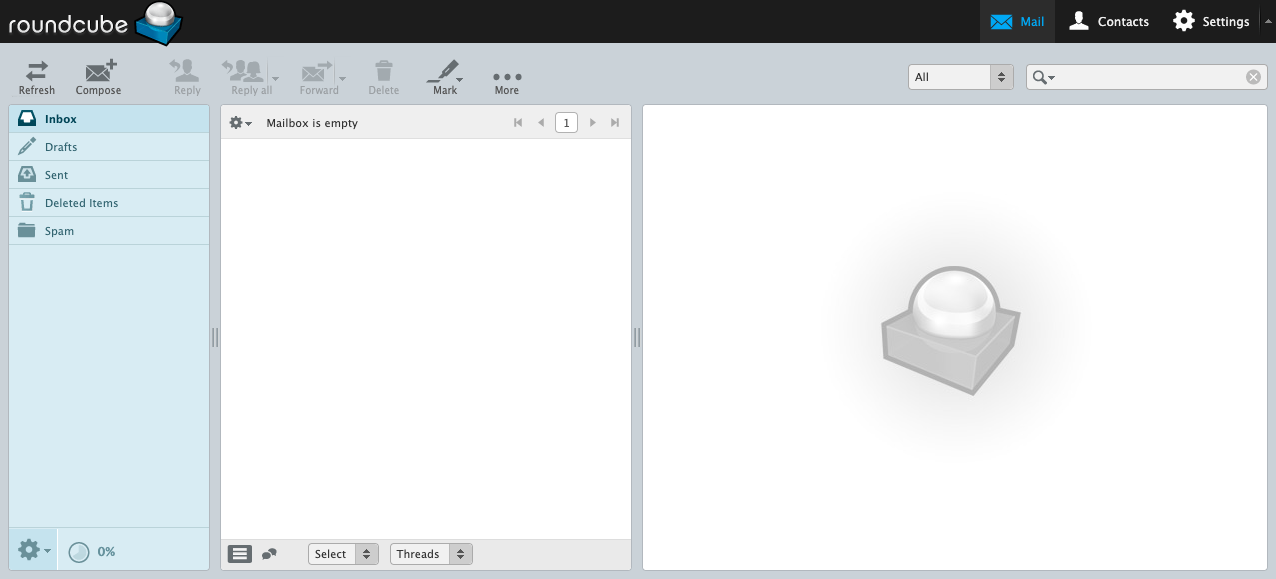
Access Webmail via cPanel
Read more on How to access Webmail in cPanel in this article.