

Email
How to access Webmail
Webmail allows you to access your domain email service only, using a browser from any device.
Follow the steps below to access your Webmail via URL directly:
- Go to your internet browser
- Enter: webmail.yourdomainname.co.za (eg: http://webmail.afrihost.co.za)

- Enter your domain Email Address and Password to log in.
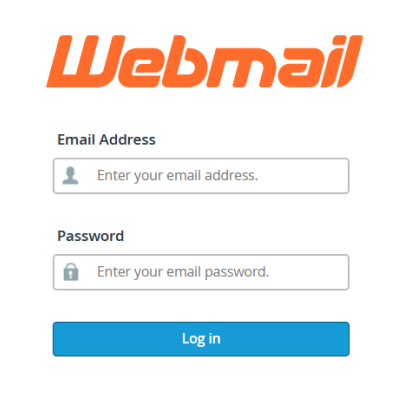
Forgot your password?
If you would like to know How to updateyour email password, please read our Help Centre article.
Follow the steps below to access your Webmail via cPanel:
- Log into ClientZone.
- Click on the ‘Hosting’ tab.
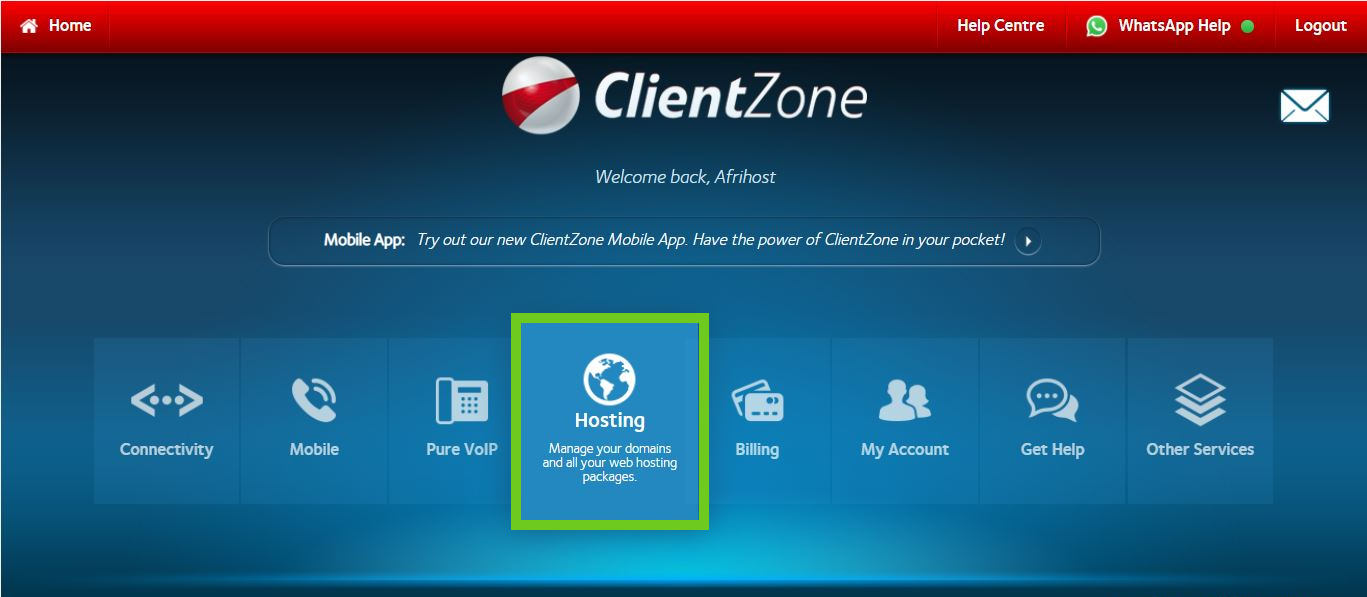
- Select your domain name on the right-hand list.
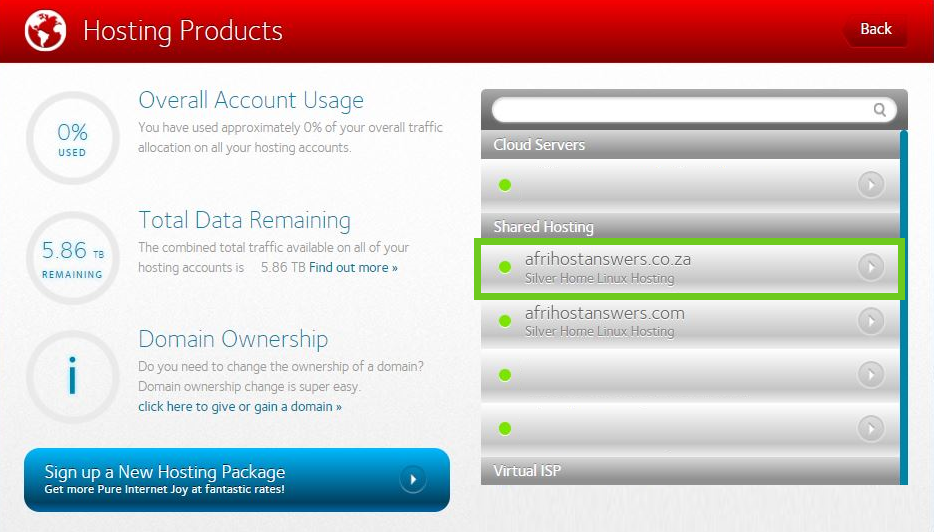
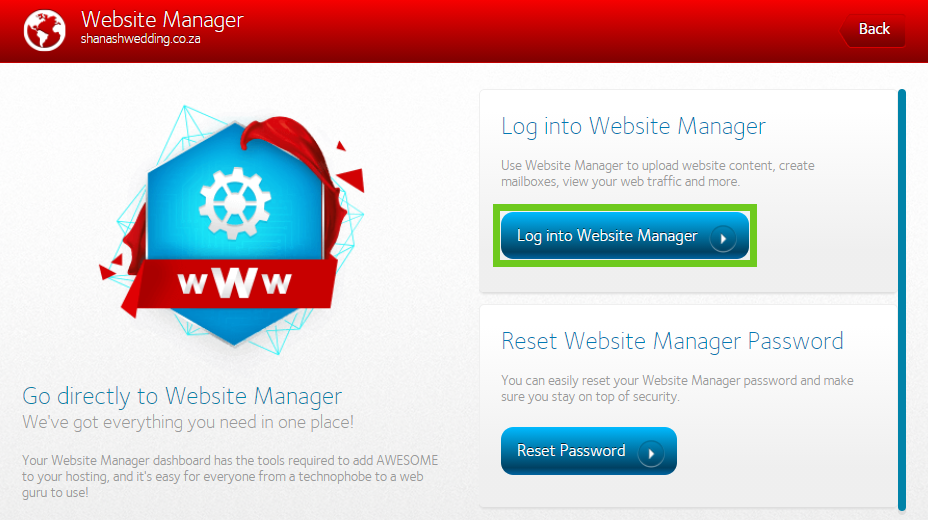
- Click on the ‘Website Manager’ button..
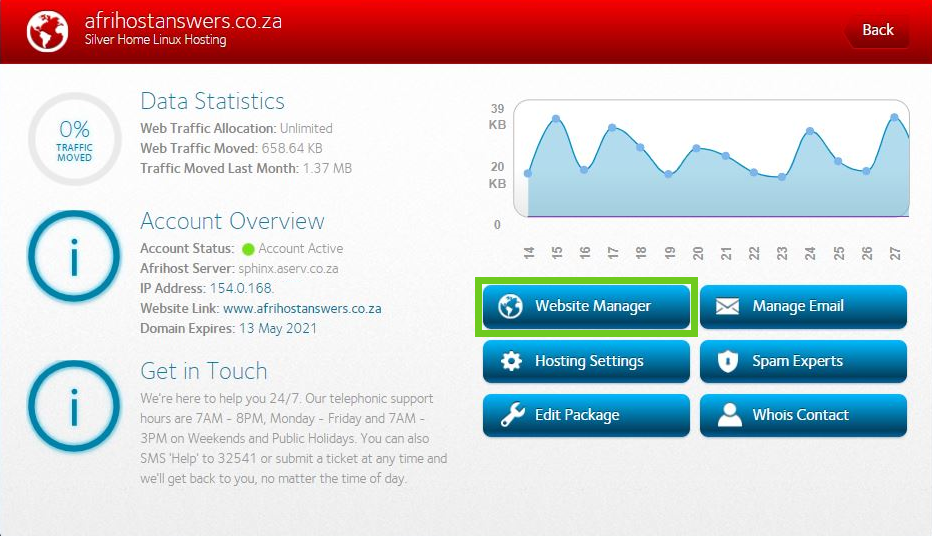
- Then select ‘Log into Website Manager’.
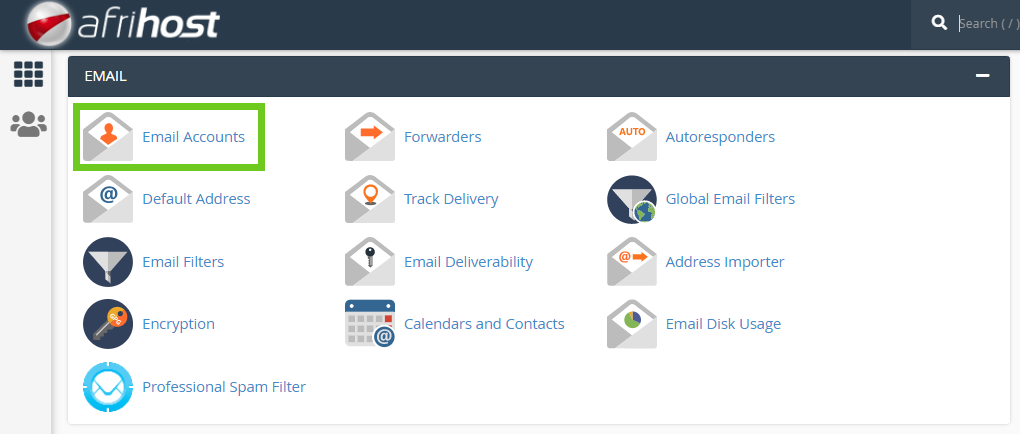
Scroll down to the Email group and click on ‘Email Accounts’.
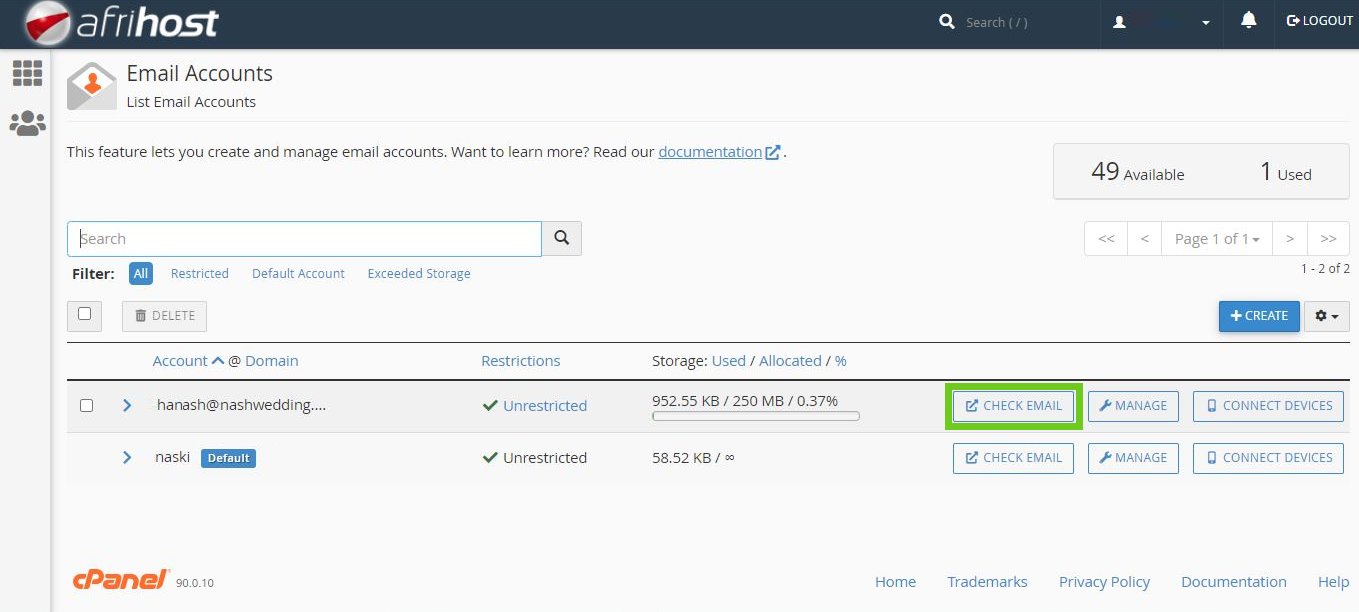
- Next to the mail account you wish to access, select ‘Check Email’.
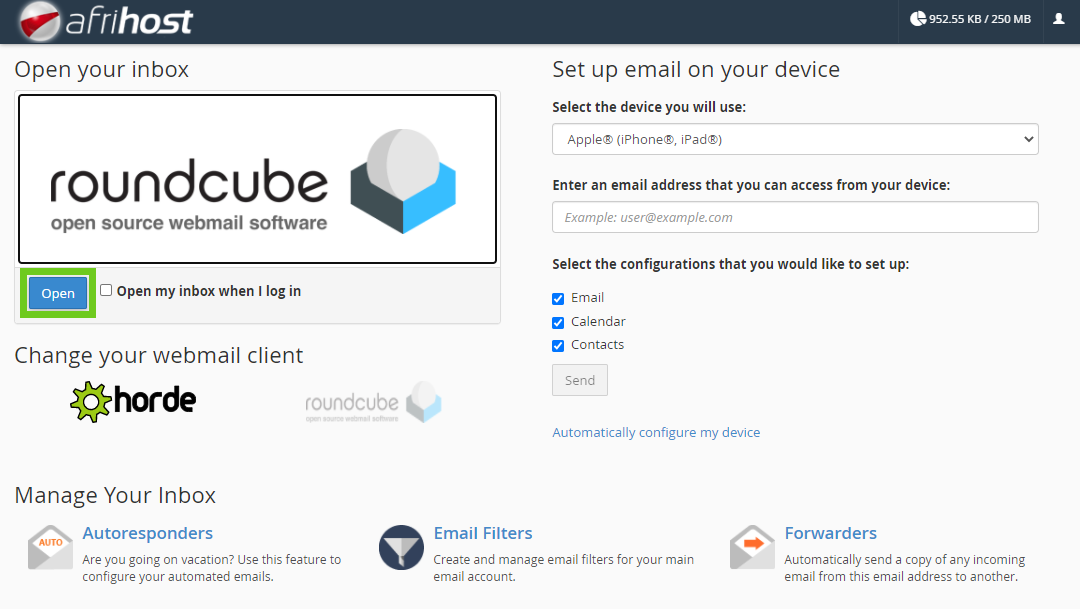
- Select a webmail client application, Horde or Roundcube
- Select ‘roundcube’ as your default webmail client application.
- Click ‘Open’ to access your webmail inbox.
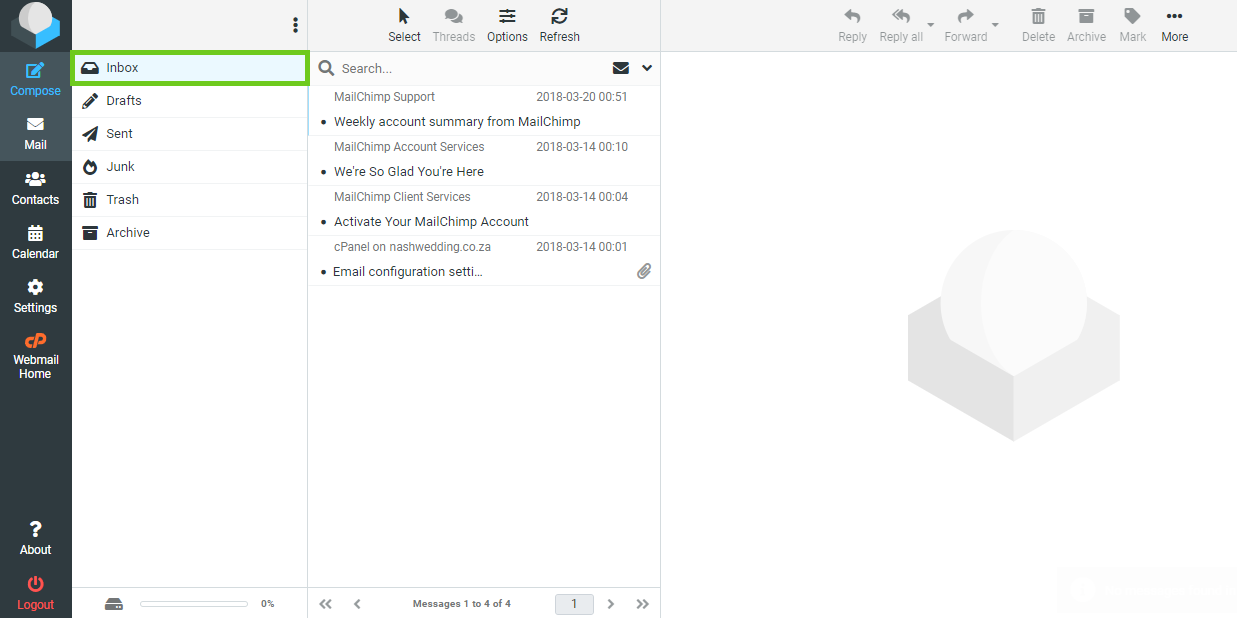
- Your mailbox will open.
Access Webmail via CWP
Read more on How to access Webmail in CWP in this article.
Email setup.
If you would like to know How to set up your mail in Microsoft Outlook please read our Help Centre article for further assistance.