

Wireless
How to sign up for Pure Wireless Internet
As network technology evolves Afrihost continues to bridge the gap between 4G LTE and 5G connectivity ensuring clients experience seamless, reliable and faster internet performance wherever they are. Whether you’re in an area transitioning from LTE to 5G or already within full 5G coverage, signing up for your ideal package is simple and convenient through the Afrihost website.
How to sign up for Pure Wireless LTE via the Afrihost website
- Open an internet browser and navigate to afrihost.com.
- At the top of the page, select ‘Wireless’ then click on ‘View LTE Packages’.
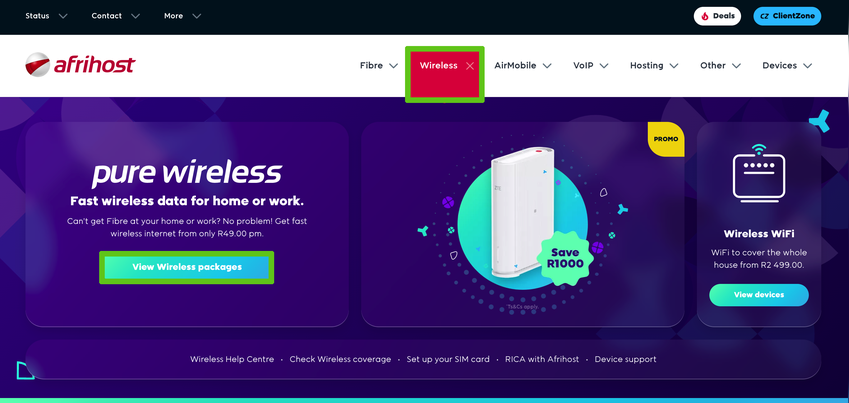
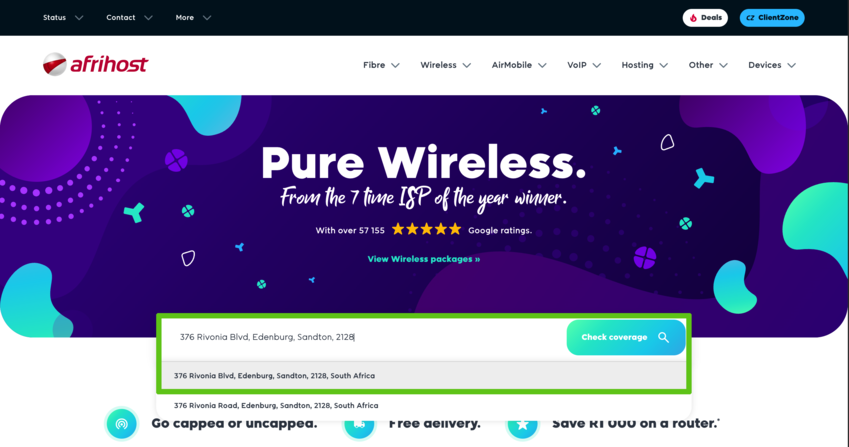
- Enter the street address where the device will be used and select the correct address from the dropdown list.
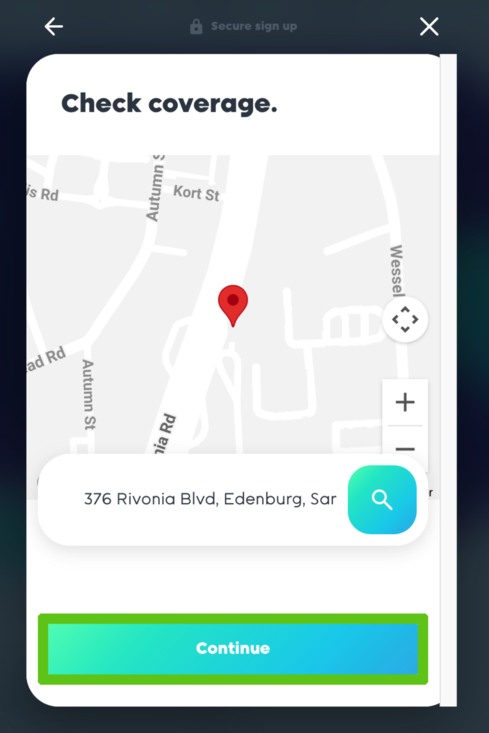
- Confirm the address entered is correct and select ‘Continue’.
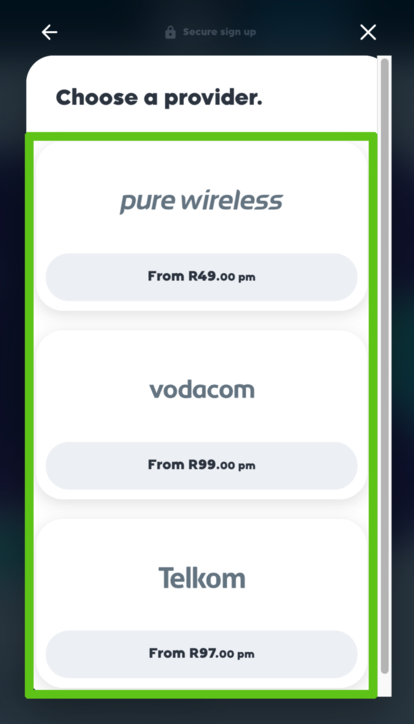
- If you do have coverage, we will show you which provider has coverage of that area.
Select your preferred provider and click ‘Continue’.
What is Pro-Rata?
Read our article for more information on how the pro-rata discount works.
- When prompted, create a new Afrihost account or log in to your existing one.
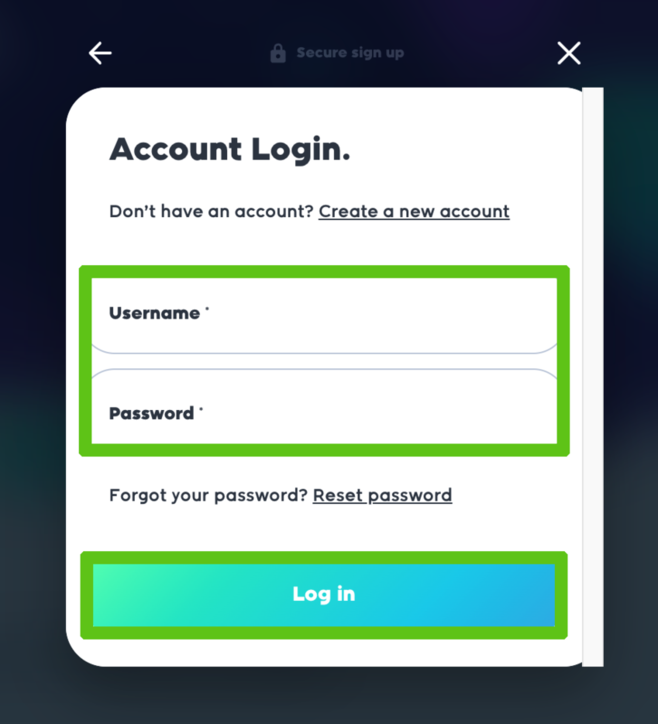
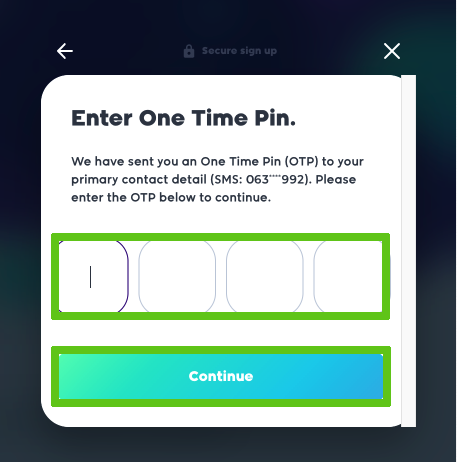
- Enter the One-Time Pin (OTP) sent to your primary contact, then select ‘Continue’ to proceed.
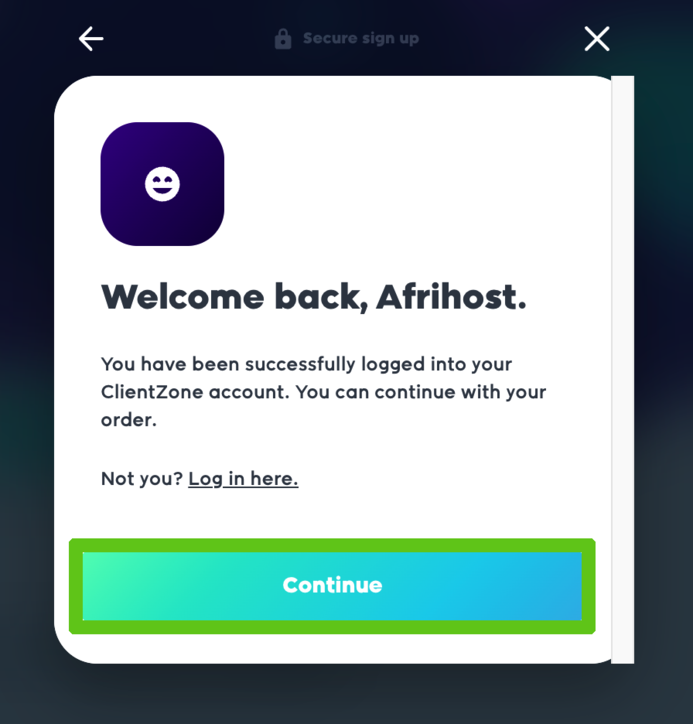
- Once logged in the Welcome page will appear select ‘Continue’.
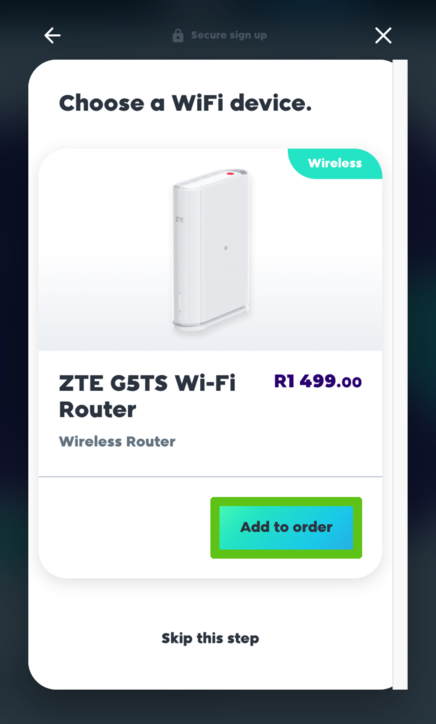
- Select the router offered with your sign up and select the ‘Add to order’ to proceed.
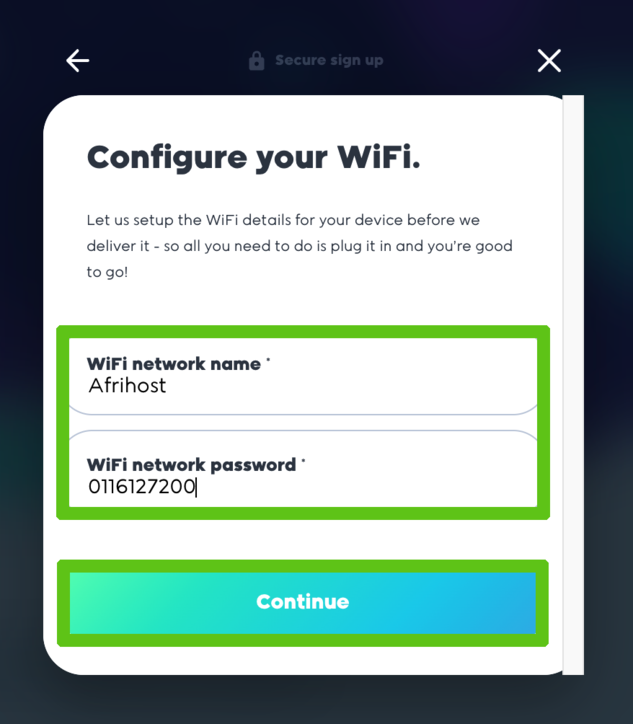
- You will be asked to enter the devices configuration details. Enter the desired network details and click ‘Continue’
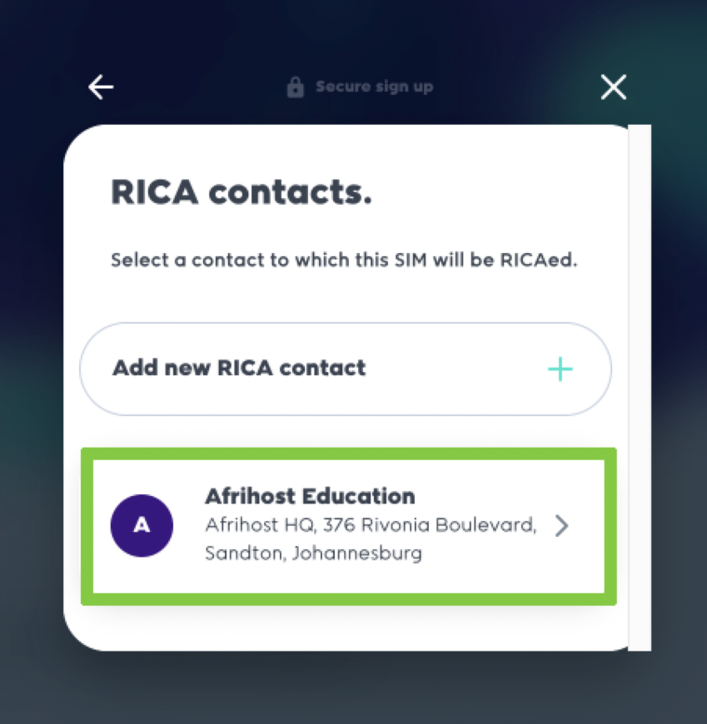
- On the RICA Contacts page, select ‘Add new RICA contact’ if you don’t have existing RICA contact details or select the existing contact details if you have any existing contact saved.
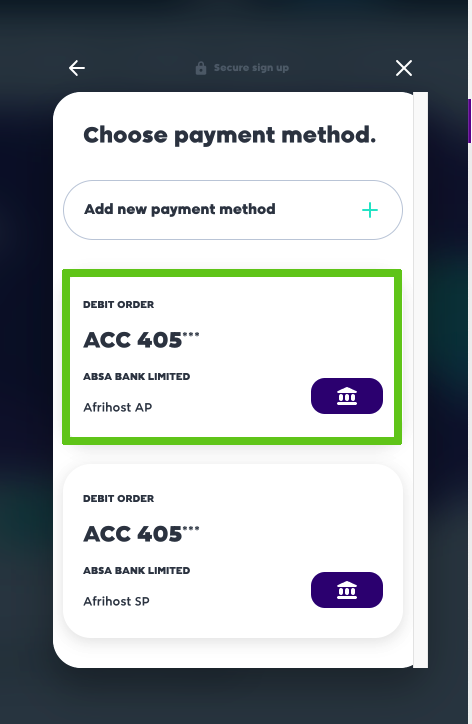
- Select your preferred payment option or add new banking details.
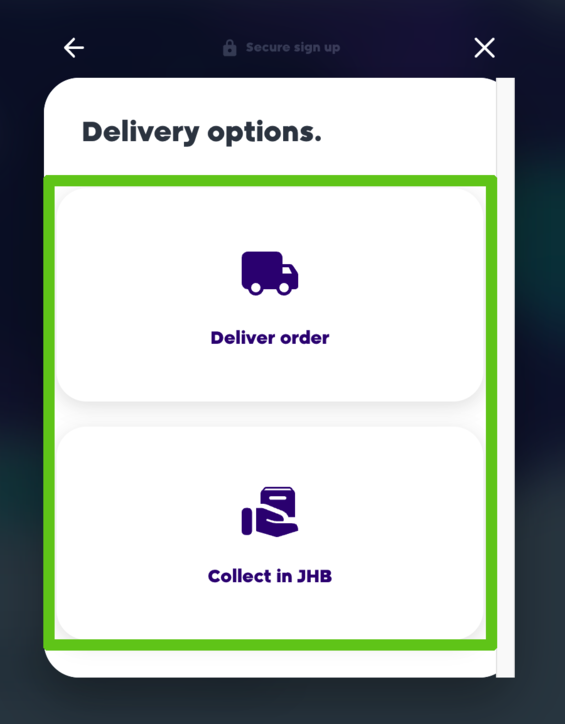
- Choose whether you would like delivery or collection.
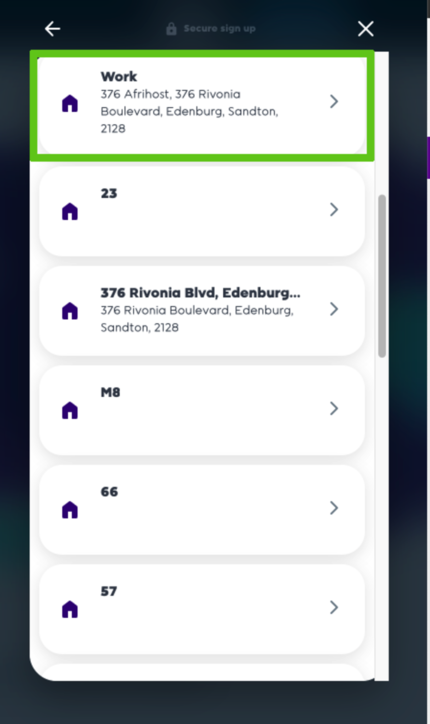
- Select the delivery address.
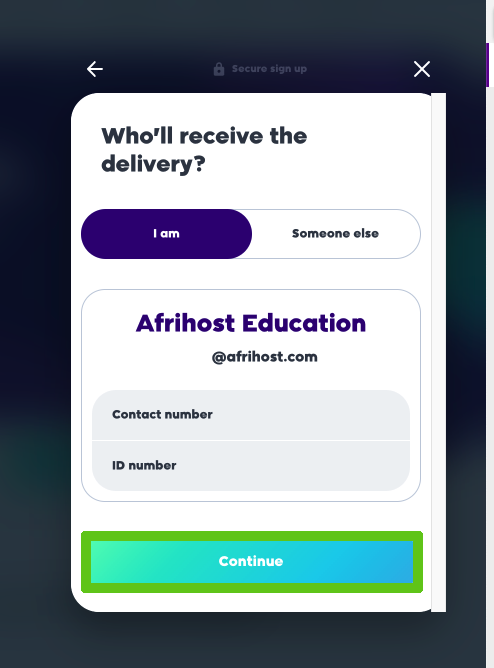
- Indicate who will receive the parcel, if someone else will accept delivery.
- Select ‘Continue’ to proceed.
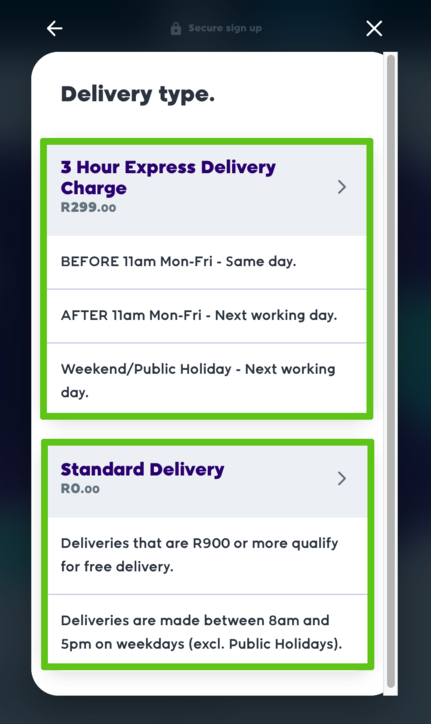
- Select your delivery type ‘Express’ for faster delivery or ‘Standard’ for regular delivery.
- To complete your order, check the box to accept the debit order agreement and agree to Afrihost Terms & Conditions.
- Click ‘Complete order’.
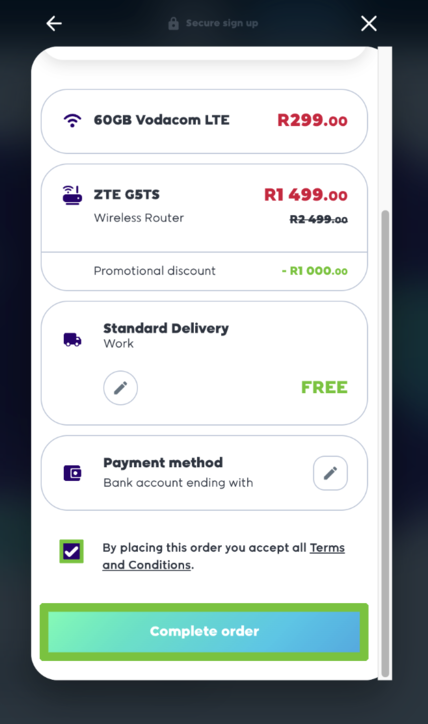
You have successfully signed up for your Wireless LTE package.