

Email
How to track an email delivery
You can track mail delivery in cPanel using the following steps:
- Log into cPanel.
- Select the 'Track Delivery' option found under the email section.

- Select the ‘Show Successes’, ’Show Deferred’, ’Show Failures’, and ’Show In-Progress’ options to filter the report.
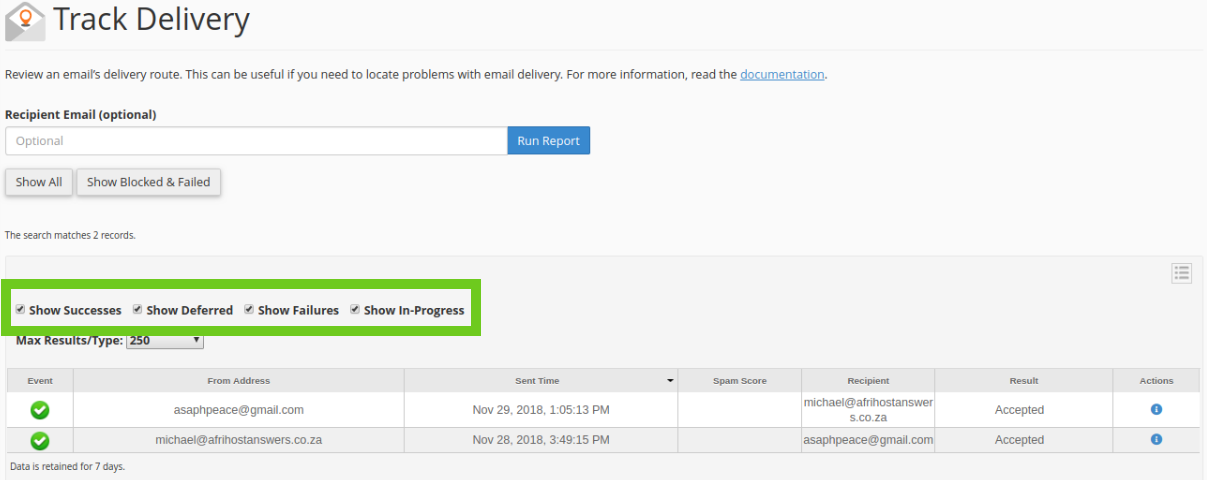
You can now see the delivery status of your emails.