

How do I reboot my cloud server via ClientZone
What is a server reboot?
Reboot means to restart your server. The process will close all active applications on the server and effectively restart it, just like restarting your mobile phone or computer.
What is a cloud server?
A cloud server is a virtual server that runs in a cloud computing environment rather than a physical server. It is built, hosted, and delivered through the internet via a cloud computing platform and is accessed remotely.
Please read Dedicated and Cloud hosting explained, to learn more.
Rebooting a cloud server in ClientZone
- Log into ClientZone.
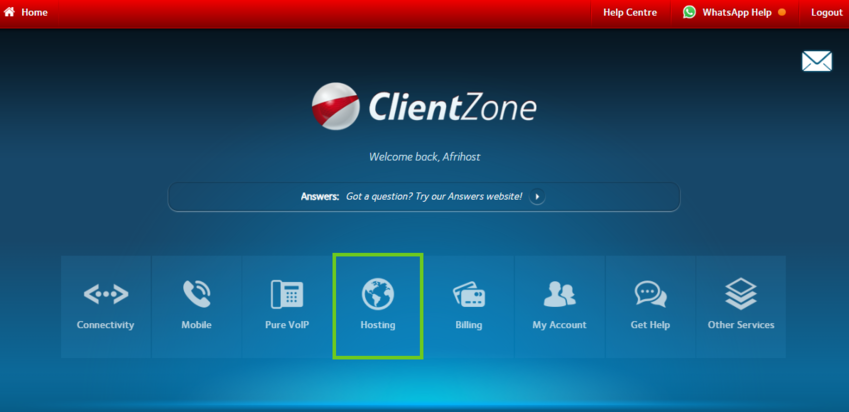
- Select the ‘Hosting’ tab.
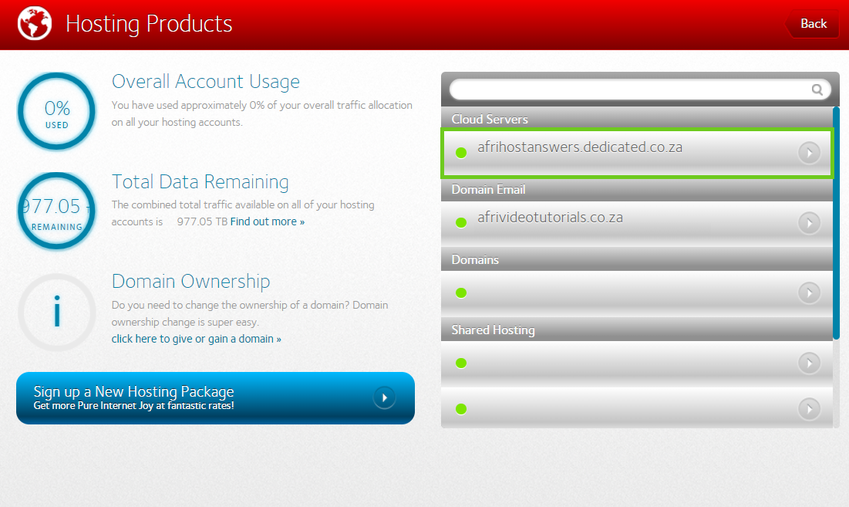
- Select the package on the right-hand side.
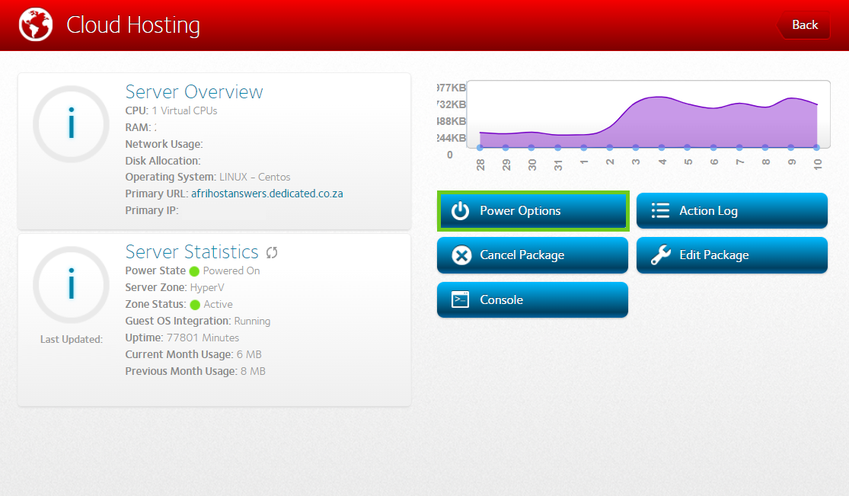
- Select the ‘Power Options’ button.
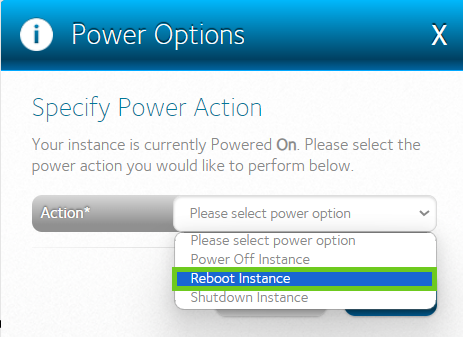
- From the drop-down options next to 'Action', select the power option you require.
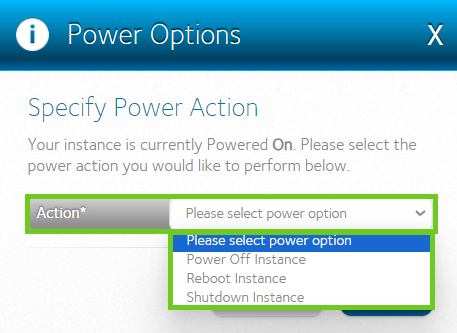
Reboot uses the restart mechanisms of the operating system, closing all running processes and initiating a reboot sequence on the server. If the server is not responsive when reboot has been done, please request further assistance from our support team.
- Select ‘Reboot Instance’ to perform a reboot on the server.
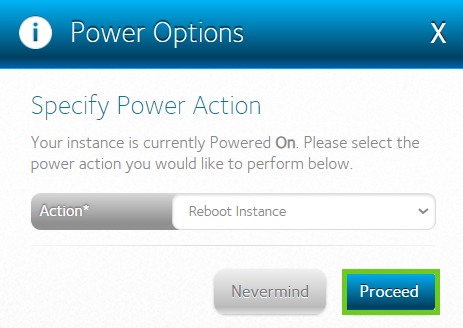
- Click on ‘Proceed’ to action the reboot request on the server.
- A successful pop message will appear once done.
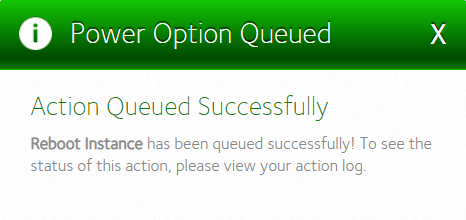
You have successfully rebooted your server, you can view action logs to check if reboot request has been actioned or not.
If you would like to know How to fix cPanel sync issues between a dedicated server and Afrihost DNS cluster please read our Help Centre article for further assistance.