

How to sign up for Afrihost Max Uptime

Afrihost Max is an upgraded service that provides you with exclusive advantages when it comes to accessing specific support platforms. With this service, you will receive priority support and quicker assistance from Afrihost when you need help. It ensures that your requests and issues are addressed promptly, making your overall experience more efficient and streamlined. This priority access is designed to offer you a more responsive and user-friendly support experience. It also includes failover solutions such as LTE router, wifi points to extend wifi connection and UPS backup in case of outages in the area.
How to sign up for Max via the Afrihost website
- Open your internet browser and navigate to www.afrihost.com
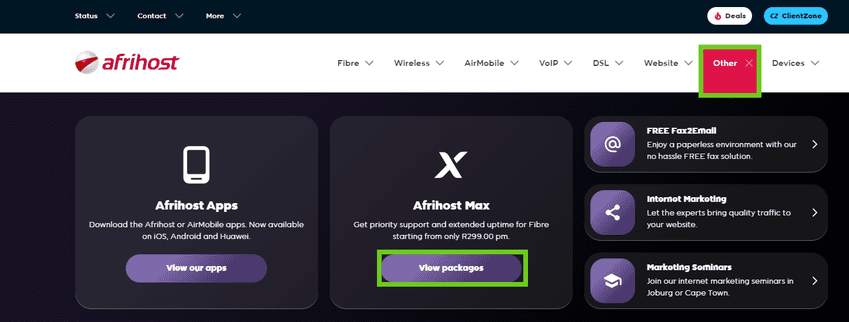
- Select the 'Other' tab from the top menu.
- Select Afrihost Max and click ‘View packages’.
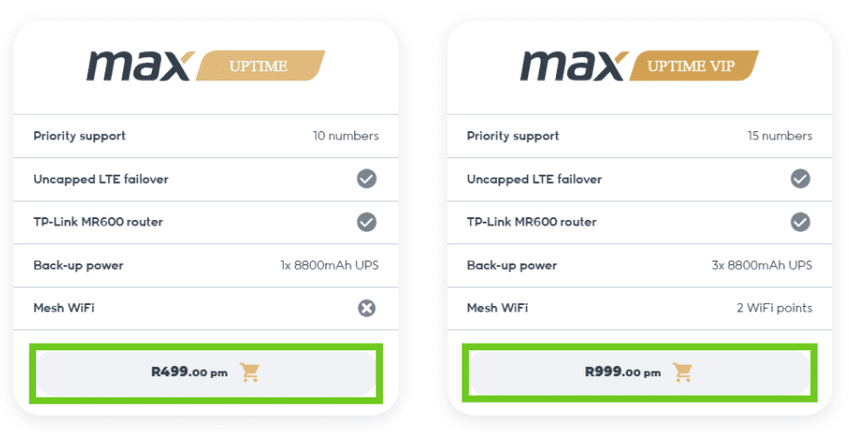
- Scroll down and select the Max package you wish to sign up for.
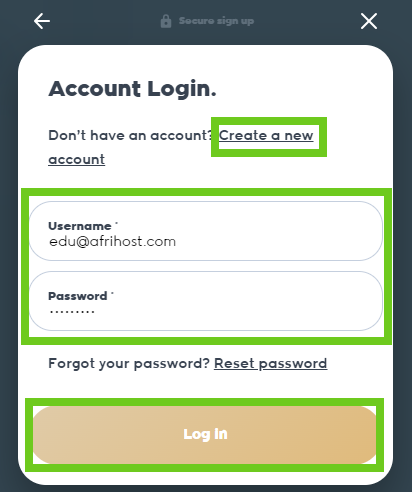
- Click on ‘Log in’ if you already have an existing ClientZone account.
- Enter your email address to create a new account then follow the prompts.
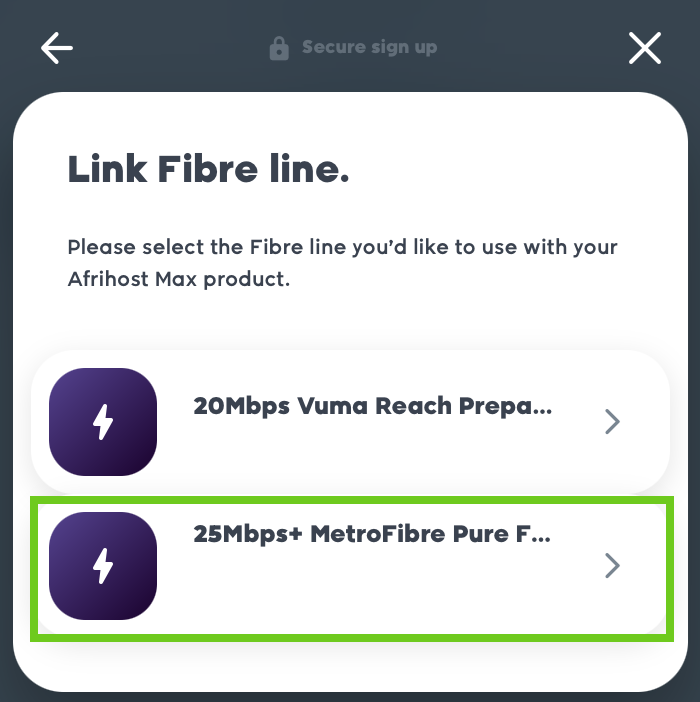
- Select the package you would like to link to on the Max product.
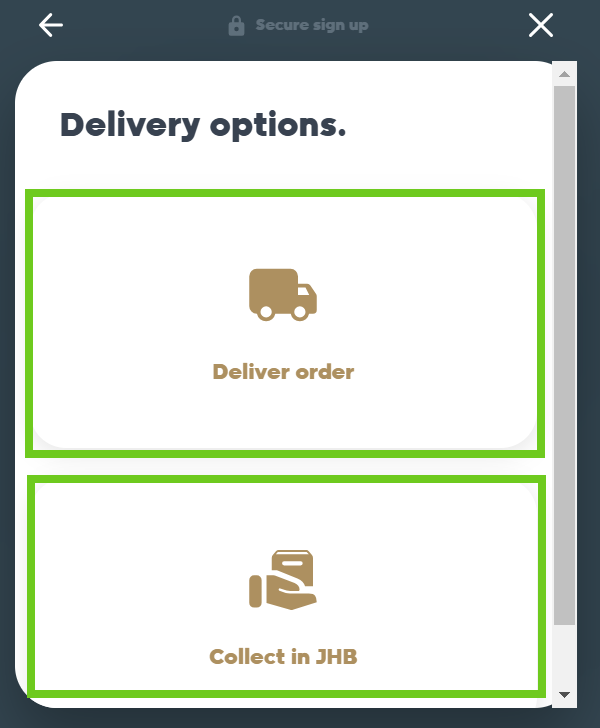
- Select the delivery options.
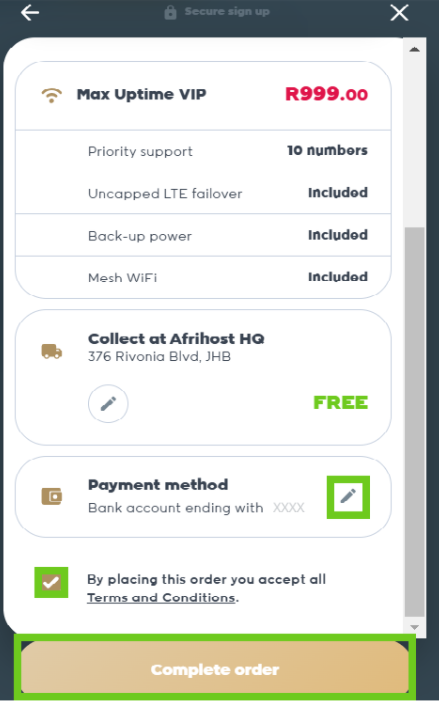
- To change the payment method, click on the pencil icon.
- Next, click on the checkbox to accept the terms and conditions.
- Confirm your order in the cart is correct, click on 'Complete order' to finish the process.
Upon successful completion, you will receive an email confirmation for your sign-up to Afrihost Max service.
Benefits of Afrihost Max uptime and uptime VIP
Afrihost Max Uptime: The package offers priority support, LTE failover router and one UPS for backup power.
Afrihost Max Uptime VIP: The package offers priority support, LTE failover router, three UPS devices for backup power, two mesh routers for extended Wi-Fi range.
For additional assistance, feel free to reach out to our friendly support team using our support help channels.